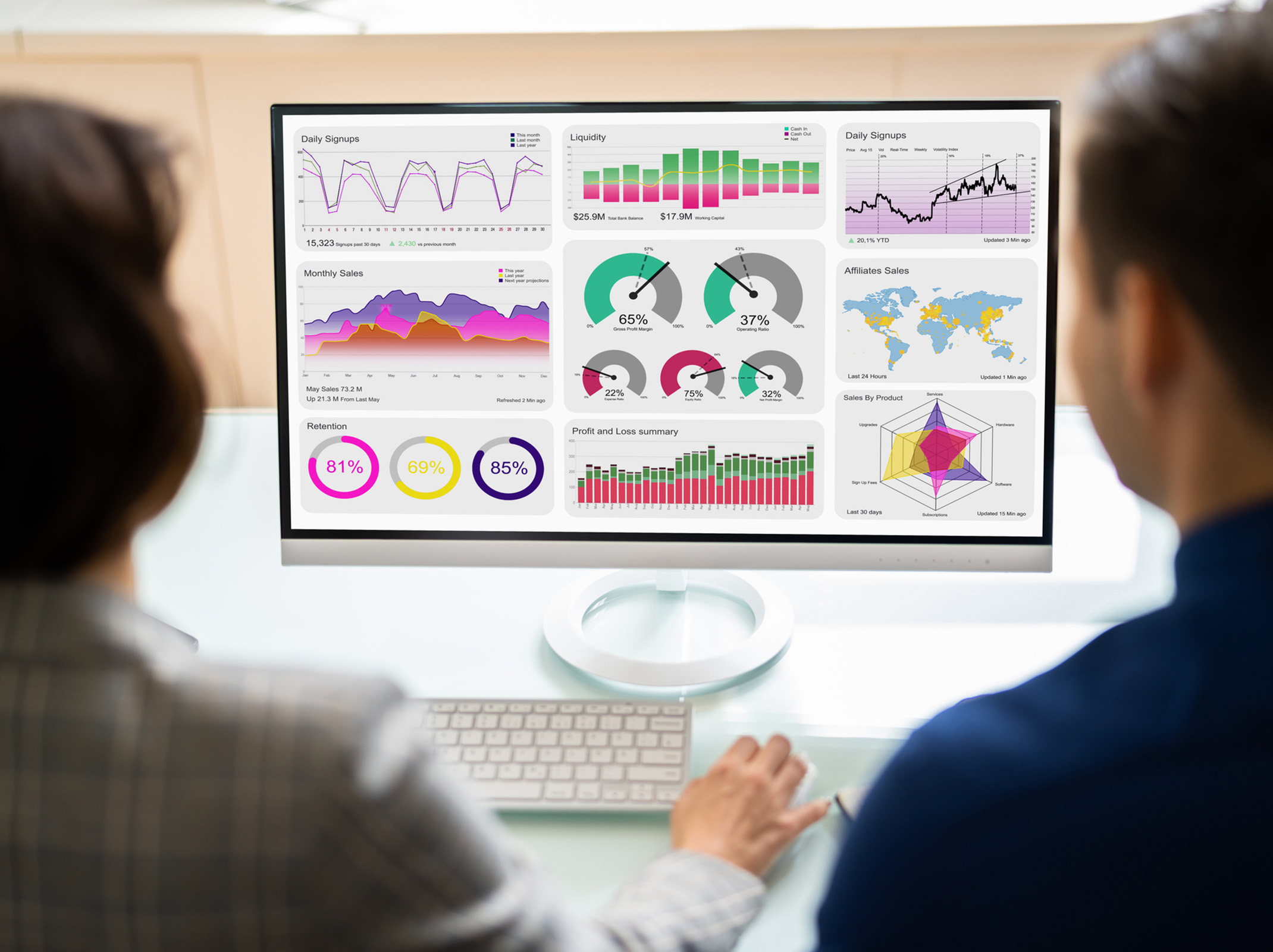
Maximizing the Use of Excel Dashboards
Want to gain clearer insights, simplify reporting and make better business decisions faster? This one-hour webinar shows you how to get more value from your data.
Learn how to turn raw data into clear, visual dashboards — by choosing the right metrics and using Excel’s built-in tools to make them easy to understand and use.
It’s not just about financial metrics. From tracking employee performance to monitoring customer volume or recruiting costs — dashboards make it easier to see what’s happening at a glance.
Recommended Platform: This training is best experienced using Microsoft 365 desktop applications (Excel, Word, Outlook and PowerPoint). Some features and demonstrations may not be available in browser-based or older desktop versions.
Course Outcomes
- Understand the differences between traditional spreadsheets and dashboards
- Avoid the biggest mistakes people make when creating dashboards from scratch
- Select the most relevant KPIs for your dashboard
- Use modern dynamic array functions to build Excel visuals
- Design custom graphics with Excel charting and formatting tools
- Enable users to interact more effectively with dashboards
- Automate your dashboards without macros
Scheduled Webinar
$
Included in
SkillPath Unlimited+Live
$499 per year
- Access this course and 6000+ other live virtual workshop sessions(includes live virtual events priced $399 or less)
- 500+ webinars broadcast daily
- 2,000+ on-demand resources
- And so much more!
More Courses in
FAQs

Related Courses

$
